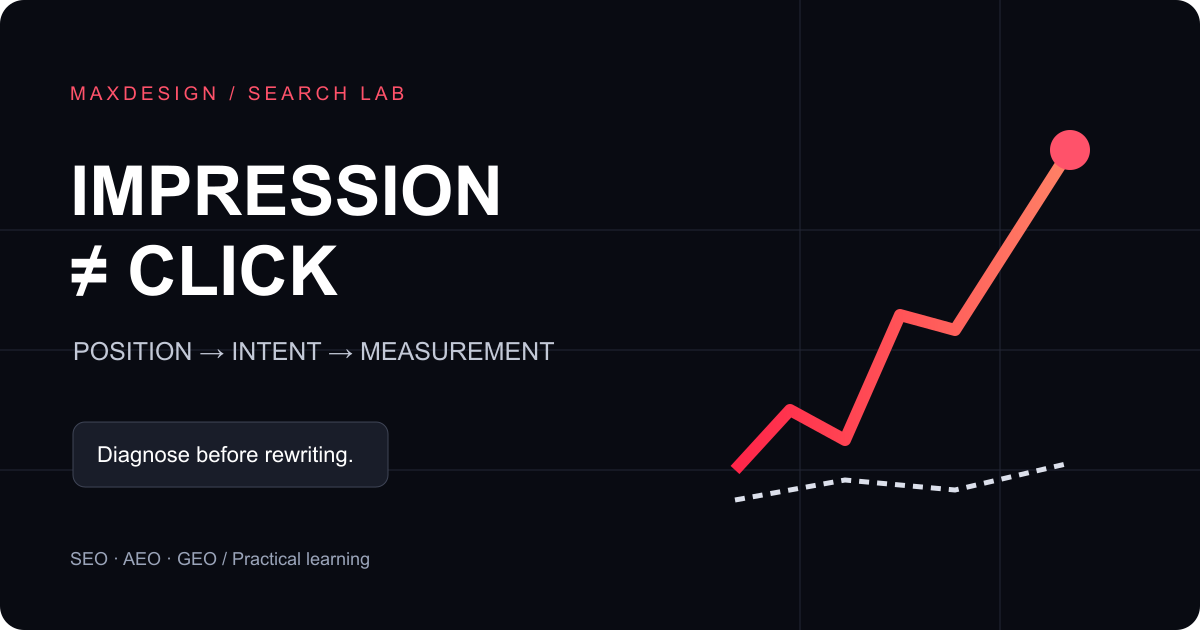
When impressions increase without more clicks, start with the queries and positions behind the increase. Your page may be appearing for more topics without ranking prominently yet. Alternatively, its promise may not match the searcher's question, or visits may be missing from analytics. Each explanation requires a different response.
1. Compare equivalent reporting windows
Choose two completed 28-day windows in Search Console. Keep search type, country and device filters consistent, then inspect individual pages and their queries. Do not compare an unfinished week against a full month. Google's Search Console guide explains the reporting surface.
A search click is not a GA4 session. Consent choices, browser behavior and measurement setup can affect analytics independently of search performance. Treat disagreement as a diagnostic clue rather than a reason to replace one total with the other.
2. Inspect positions before judging CTR
Consider an illustrative page with 200 impressions and four clicks, followed by 1,000 impressions and five clicks. CTR falls from 2% to 0.5%, although clicks increase. If the additional impressions occur at lower positions, the declining ratio does not demonstrate a title problem.
- Low positions: inspect relevance, useful detail, supporting evidence and internal links.
- Prominent positions with few clicks: inspect the result's promise and the searcher's intent.
- Visits without enquiries: inspect offer clarity, forms and the next step.
An average position combines different searches. It is not a fixed rank every buyer sees. Separate branded queries from broader discovery queries before interpreting a change.
3. Improve one page's promise
A title such as “Innovative solutions for your digital future” does not tell a reader what they will learn. A page about SEO and GEO should name that comparison and deliver it immediately. See our SEO, AEO and GEO explanation for the underlying distinctions.
Record the old title, release date, target question and expected effect. Change a small, explainable set of elements. Compare subsequent performance for similar queries and positions. A handful of clicks cannot establish causation when demand and competitors also change.
4. Verify the measurement chain
Test a fresh browser profile, page load and developer console. Confirm that analytics initializes after the appropriate consent choice, and that the public measurement ID belongs to the reporting property. When tracking requires consent, unconsented visits are not measured like consented ones.
Check page attribution too: reports that combine every article into a single generic route cannot identify successful articles. Preserve public editorial paths while excluding private URL parameters, form contents and email addresses. Use aggregated server data cautiously: automated requests are not human sessions.
5. Pick an evidence-led improvement
- Record one page's baseline and reporting filters.
- Write the buyer question it needs to answer.
- Add a worked example, limits and a relevant next step.
- Verify the response, indexability and internal links.
- Review after enough new impressions have accumulated.
If multiple URLs represent the same content, investigate the selected canonical using URL Inspection. Google's canonicalization documentation explains consolidation; a canonical tag is not a ranking guarantee.
Continue with our first 30 days of SEO, AEO and GEO, or start a technical readiness and AI visibility check. The purpose is to identify a defensible next action, not to turn a percentage change into an unsupported success story.